Lenses Community Edition
Enterprise grade functionalities, such as SQL Studio for up to 2 Kafka clusters and MCP server.




Featured assets



Local deployment
Perfect for testing or getting started with Kafka
curl -L https://lenses.io/preview -o docker-compose.yml && ACCEPT_EULA=true docker compose up -d --wait && echo "Lenses.io is running on http://localhost:9991"- Run the docker command
- Open the Lenses HQ at http://localhost:9991
- Sign in with admin / admin
- Verify with your email, and activate Lenses
See detailed instructions for the deployment and RAM/VM requirements in Lenses Docs
Take a 1-minute tour
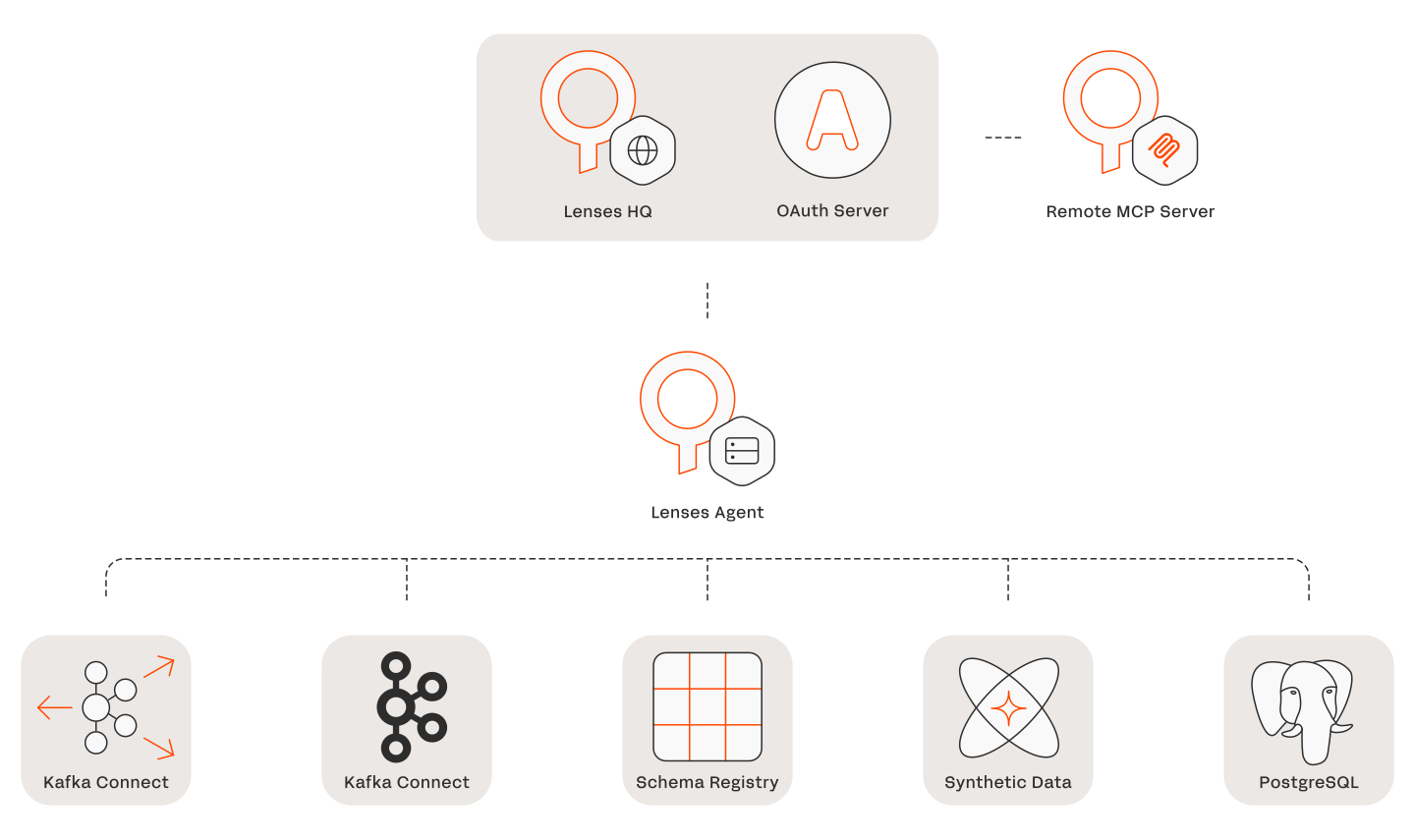
What's included?

Talk to our experts

20-min expert call

Lenses.io demo
- 20 minute guided tour of Lenses
- You will get a trial key to install on your Kafka clusters
- Great for production and large-scale Kafka deployments