






Why Kafka migrations can stall for years
Kafka migrations are high-stakes moves: expensive downtime, data loss, performance impact, or compliance breaches. Most teams still hit the same three blockers.
Kafka migration is the process of moving data between clusters and the applications that produce and consume it. Messages, schemas, configs, and consumer offsets travel together, preventing data loss or reprocessing during cutover. For enterprises running large-scale, multi-cluster streaming infrastructure, the hard part is planning data handling upfront and keeping the migration observable, reversible, and compliant, especially when modernizing to event-driven architecture.
1. The tooling gap
Most replicators copy messages only. They don't copy consumer group offsets, schemas, or topic configs that apps depend on. Teams hand-build offset translation, write scripts, and cross their fingers – adding months of technical debt.
2. The any-to-any Kafka compatibility gap
Most replication tools support only specific Kafka versions and vendor combinations. Migrating between older versions, managed services, self-hosted clusters, or different deployment models means custom tooling and months of integration work.
3. The blind cutover risk
Most migrations have low visibility: no way to prove the target matches the source, no way to compare source/target state, and no rollback if something breaks. Teams freeze out of fear, turning a week project into months of preparation and double infrastructure costs.
Migrate Kafka applications in 6 steps
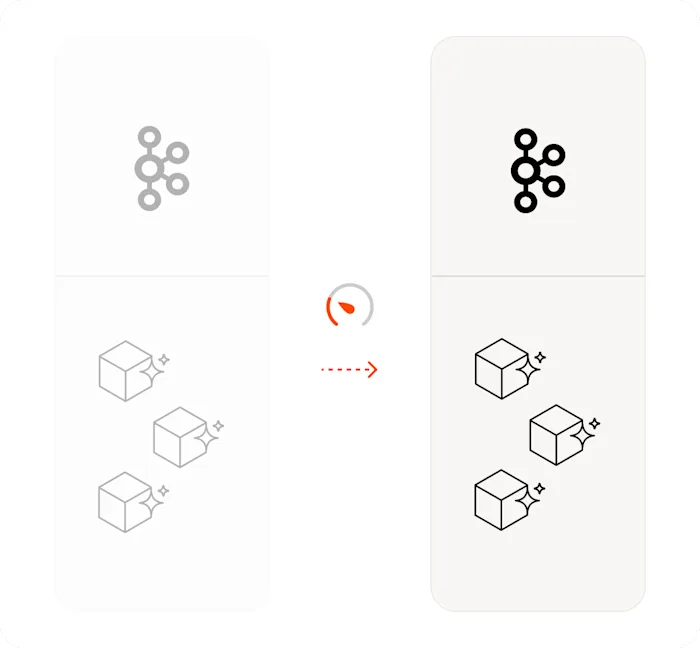
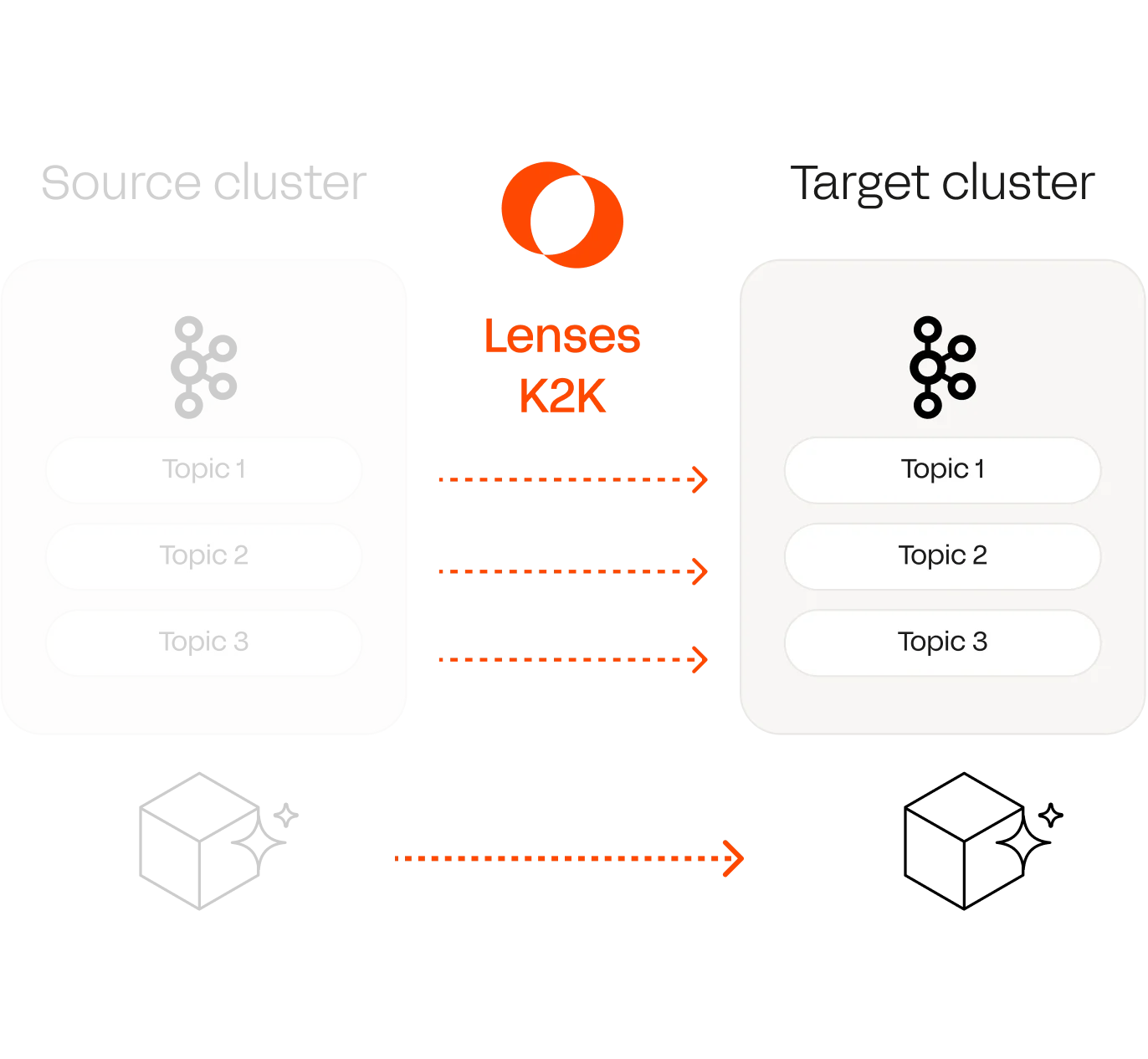
Lenses Kafka-to-Kafka (K2K) and developer tooling (DevX) automate offset translation while giving you full visibility of every stage, ditching manual spreadsheets and Kafka Connect overhead.
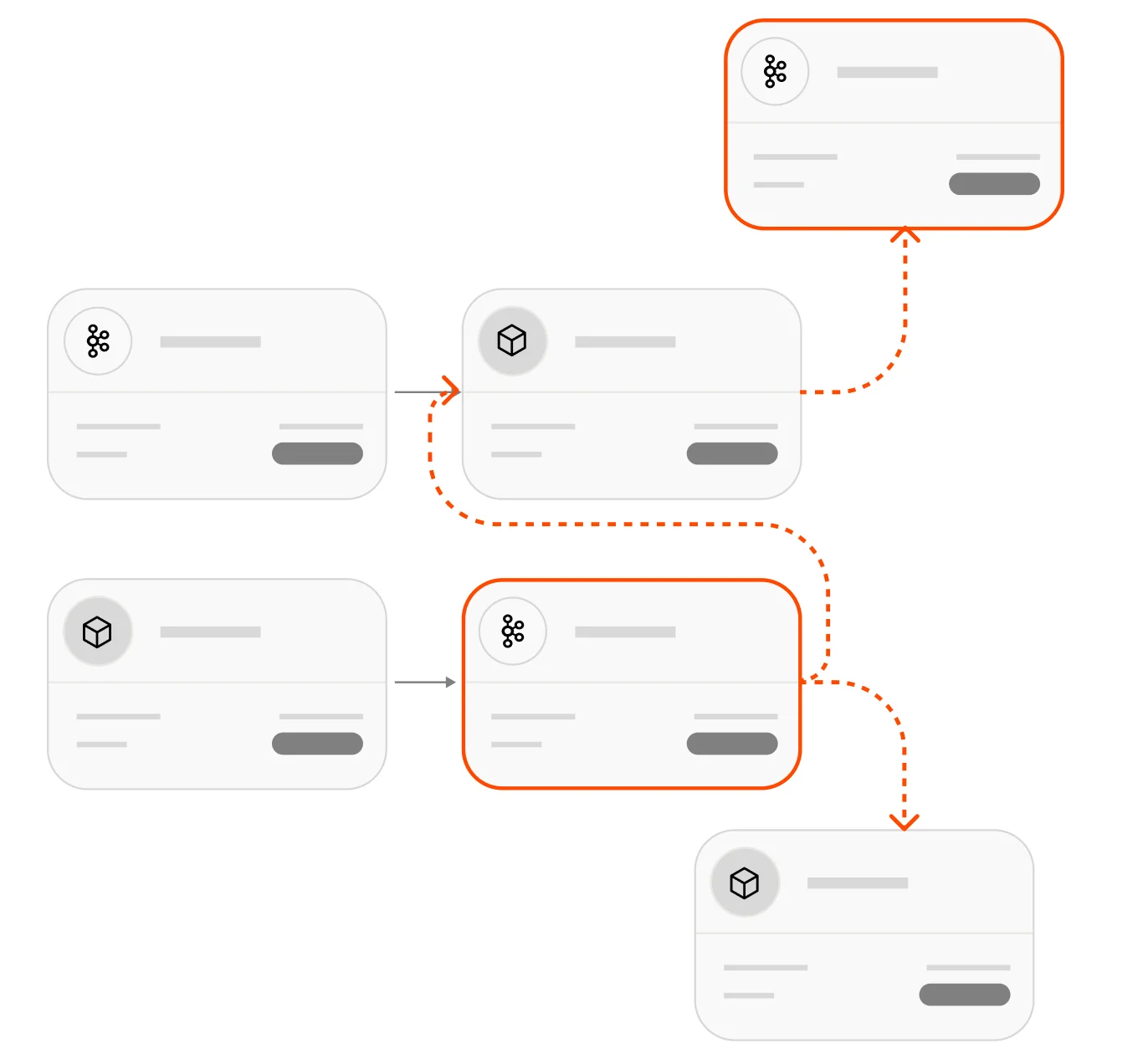
Visualize and plan your migration
Use Lenses Topology to see your applications, topics, and producer-to-consumer dependencies, for complete visibility before you start.
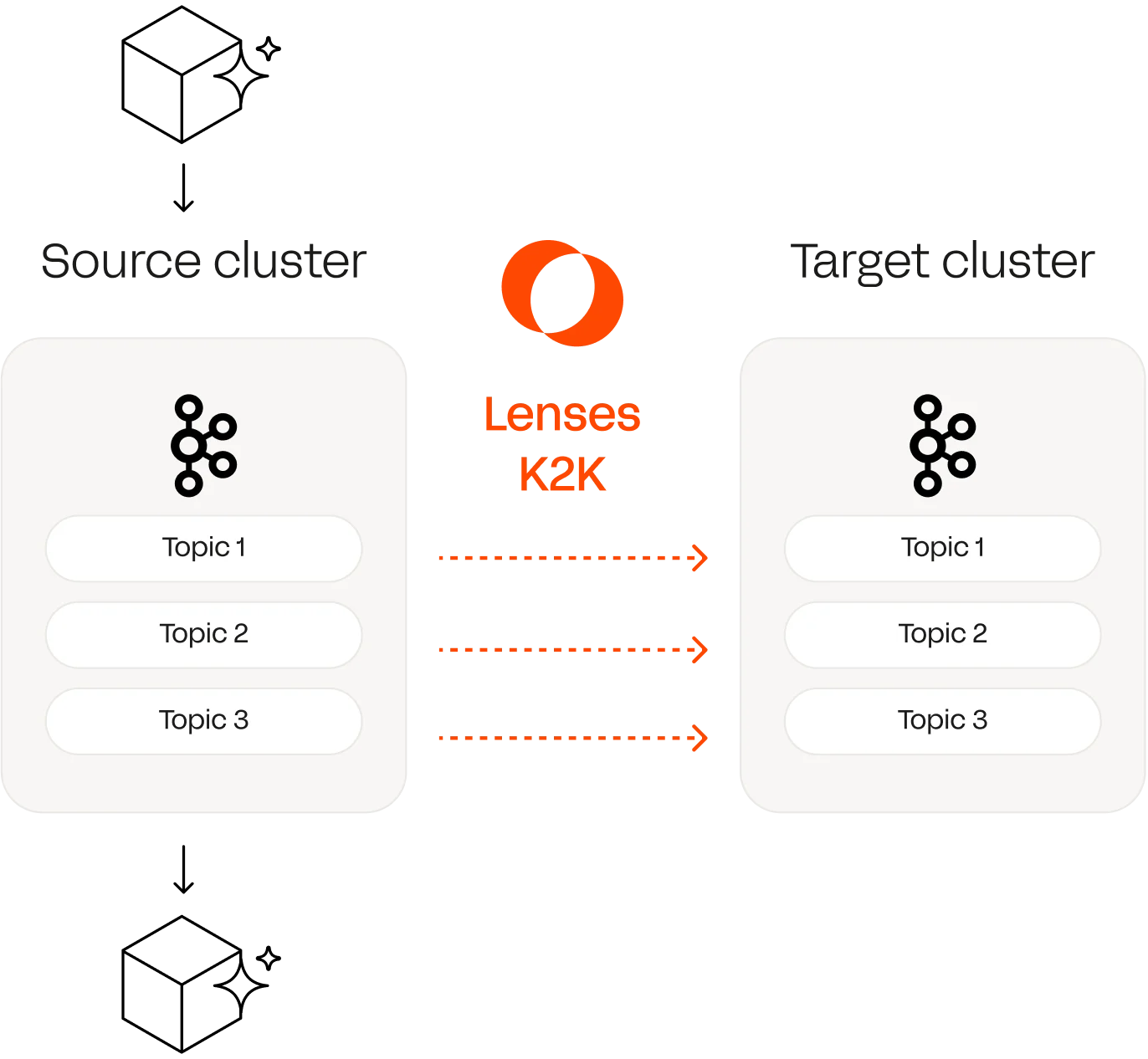
Replicate topics declaratively
Select the topics your app needs. Define replication in YAML; no Kafka Connect cluster needed. K2K replicates messages, schemas, and configs across any Kafka vendor with exactly-once delivery.
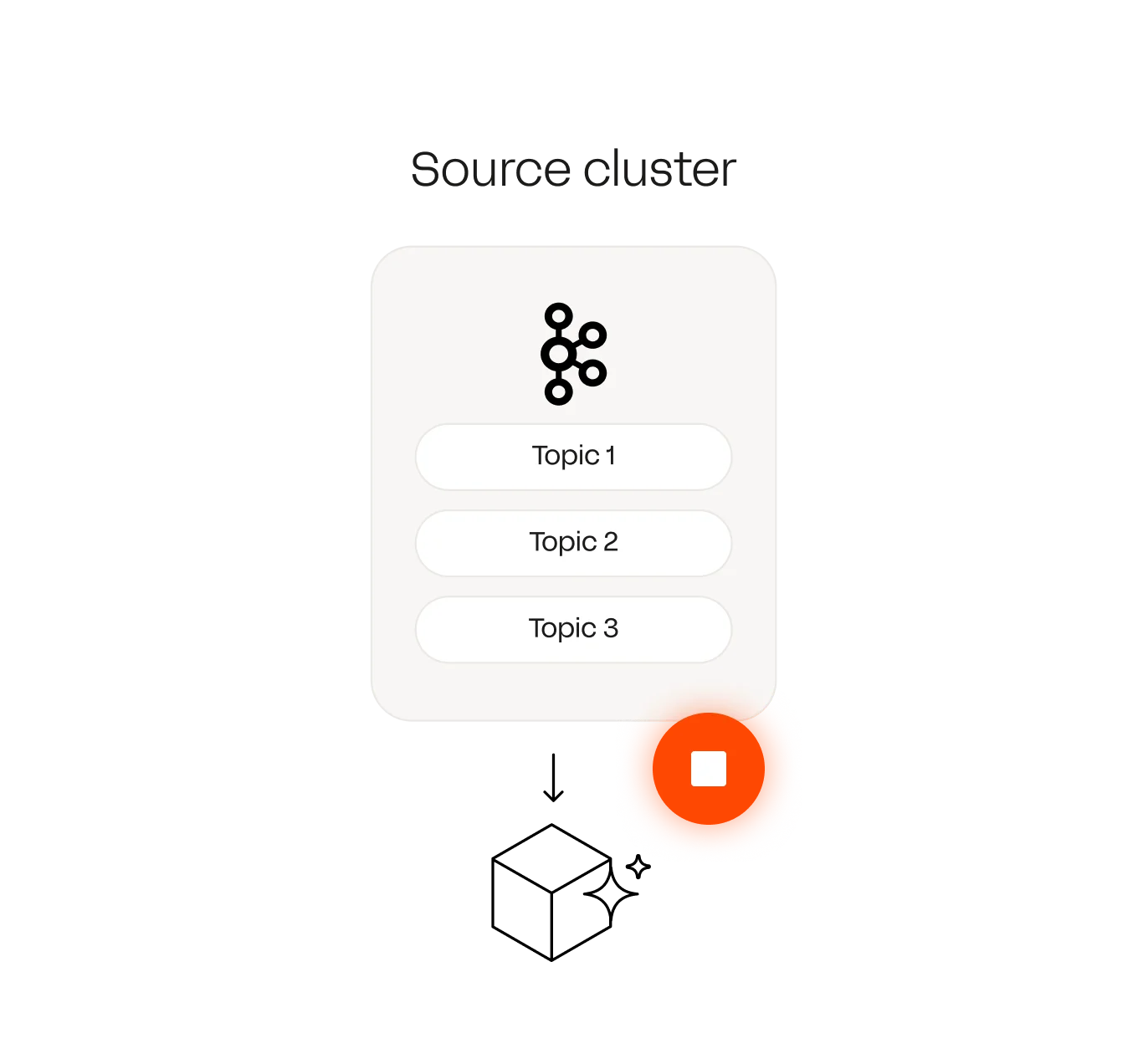
Stop the source consumer
Once replication catches up, stop the source consumer. Topology shows your app's topics and exactly where it stopped: full visibility means you know it's safe to proceed.
Migrate consumer offsets automatically
K2K translates consumer group offsets to the target automatically. No spreadsheets or guessing at positions. Topic names stay the same, so nothing in the app config has to change.
Restart consumers on the target
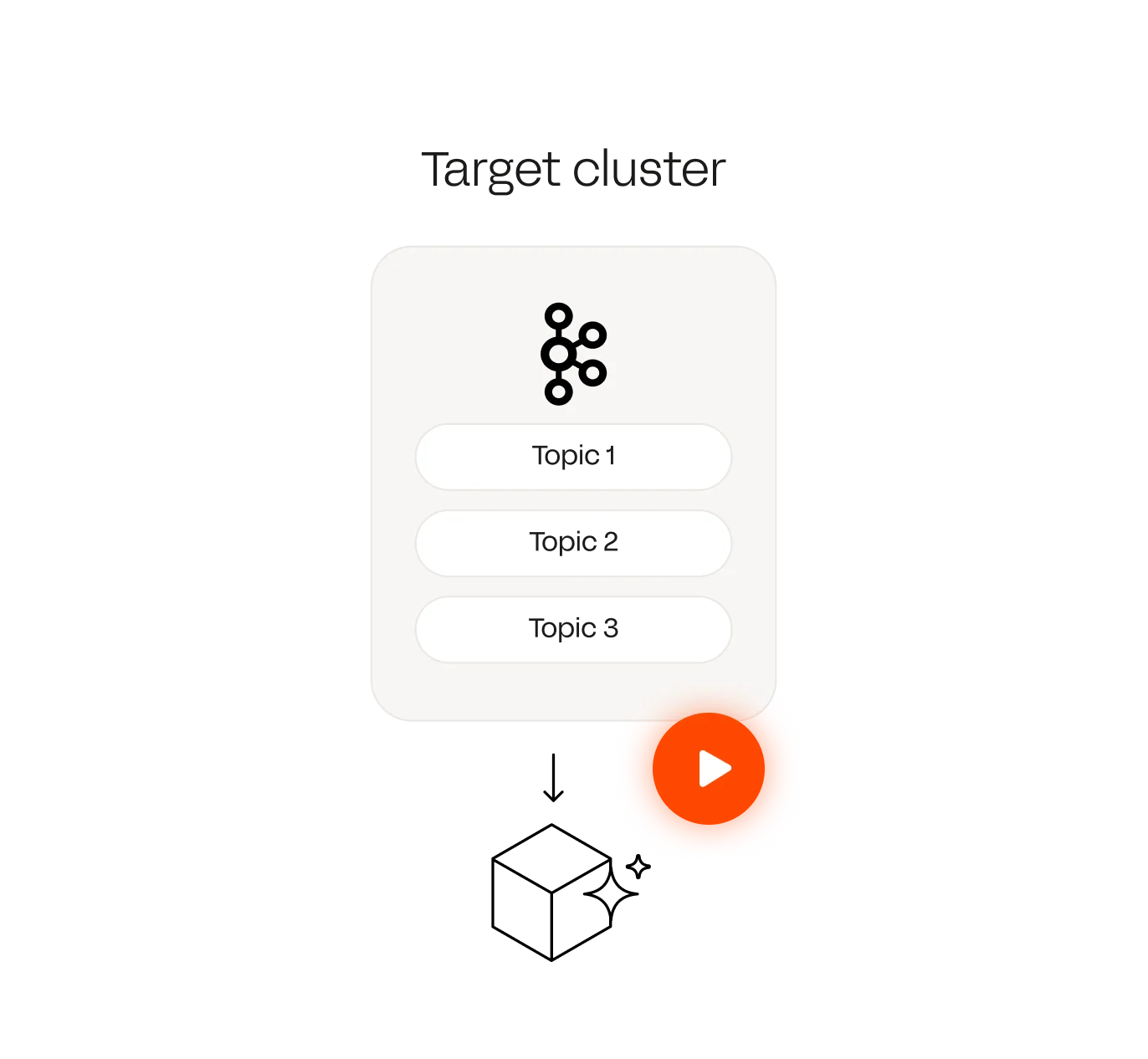
Connect your consumer to the target cluster and restart it. It picks up from the translated offset; no reprocessing or skipped data.
Switch producers to the target
The application is fully migrated. Live, side-by-side observability lets you validate parity, confirm the cutover, and roll back cleanly if needed.
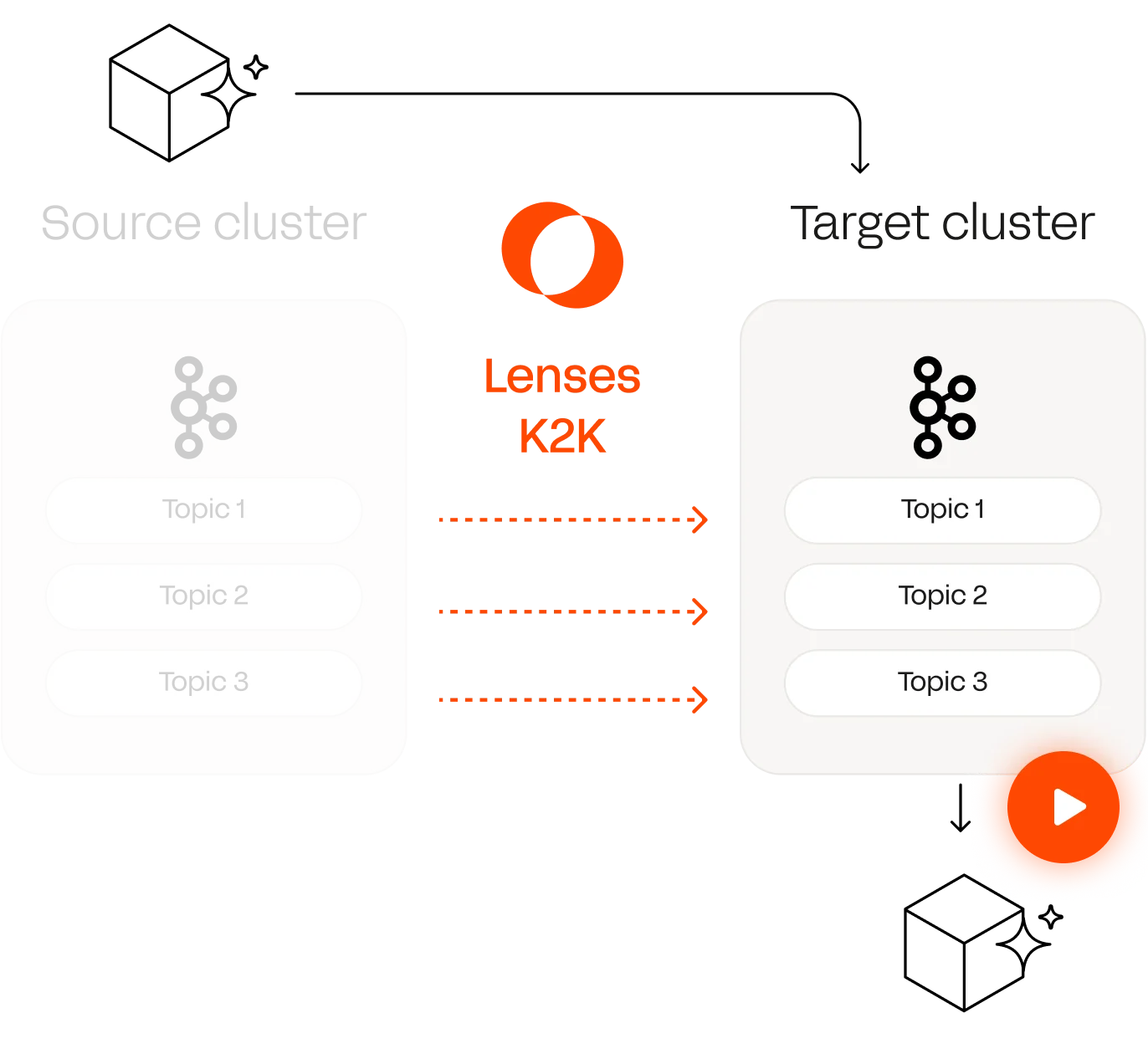
Simplified Kafka app migration to MSK Express Brokers
To play this video, accept functional cookies in your privacy settings.
Vimeo video
Zero critical incidents
"We had zero critical incidents across 234 deployments migrating to Confluent Cloud," Eduardo Martinez de Leon, Group Director - Software Engineering and Q&A at Europcar.
Learn more
Kafka migration features
Multi-Kafka replication and cluster linking
Move workloads between on-premises, cloud, and managed Kafka environments without changing how your applications work, including hybrid cloud setups.
Live app topology view
Complete visibility of your applications, topics, and producer-to-consumer data flow across source and destination Kafka clusters during migration.
Replicates schemas and configs
Topics move alongside their schemas, topic configs, and Kafka metadata, and migrations should use a schema registry. Target stays aligned with the source.
Exactly-once delivery
Kafka transactions guarantee every message lands on the target exactly once, without duplicates or gaps.
Automatically translates offsets
Consumer offsets replicate in real-time, so apps resume from the right position without needing to reprocess.
No Kafka Connect overhead
A self-contained, Kubernetes-native app – no separate Kafka Connect cluster to deploy, scale or troubleshoot, skipping the resource management overhead.
Proven migration workflow
Replicate, validate, cutover, roll back; the same sequence every time, not a bespoke process per team: A repeatable path that also supports disaster recovery for real-time data applications.
What makes Lenses different?
Enterprise governance-first architecture

Powerful permission, data masking and auditing model build for enterprise environments
Vendor agnostic

Lenses works on top of any Kafka flavor including AWS MSK, Confluent, Aiven, and Apache Kafka setups.
Scales to an enterprise footprint

Designed to scale to hundreds of clusters across different networks and distributions.
Reversible, with full visibility

Validate parity and roll back cleanly, at any step.
Watch our latest Kafka replication webinar
To play this video, accept functional cookies in your privacy settings.
Vimeo video
Kafka migration guides




A Kafka migration moves both the data between clusters and the applications that read and write it. The data side is replication. The application side means every consumer and producer has to cut over to the new cluster without reprocessing or skipping data.
MM2 and custom tooling on Kafka Connect copy the messages, but not reliably the consumer group offsets, schemas and configs that applications depend on. Standing up and running MM2 on Kafka Connect is also manual and complex, which adds technical debt and stretches migrations into months.
Yes. Most clean replication options are vendor-locked. K2K replicates across any vendor or cloud, so cross-vendor and cross-version migrations do not have to fall back to MM2.
K2K translates and migrates consumer group offsets automatically, so applications resume exactly where they left off. There is no topic renaming, and no application reconfiguration required.
Yes. Schemas and topic configs are carried across automatically, including Avro, Protobuf and JSON.
No. K2K is Kubernetes-native and runs without a Kafka Connect cluster. It can be configured as code, which makes it far simpler to maintain than MM2.
Lenses provides live side-by-side observability to validate parity between source and target. In the topology view, application owners see their own apps across both clusters, so they can confirm the cutover themselves.
The workflow is reversible. You can roll back cleanly, which is what lets teams run the migration fast instead of freezing modernization out of fear.
Yes. Lenses is vendor-agnostic and works on top of any Kafka flavor, including Amazon MSK, Confluent, Aiven and Apache Kafka. Access roles and governance policies are defined once and applied consistently across the entire estate, rather than being configured cluster by cluster.
Yes. K2K is available in the free Lenses Community Edition.
Cluster linking is a modern Kafka replication approach that establishes direct, bidirectional connections between source and destination Kafka clusters. Unlike traditional replication, cluster linking supports continuous, real-time data synchronization while preserving consumer group state and schema information. For enterprises managing multiple Kafka clusters across different regions or cloud providers, cluster linking enables disaster recovery, geo-replication, and zero downtime migration without the complexity of Kafka Connect configuration. Lenses K2K implements cluster linking to handle any-to-any Kafka compatibility scenarios: from legacy Apache Kafka versions to modern managed services like Amazon MSK or Confluent Cloud.
Kafka is a distributed streaming platform for publishing and consuming event streams. Kafka Connect is a framework built on top of Kafka that enables integrating external systems (databases, APIs, data warehouses) with Kafka clusters. Kafka Connect uses "connectors"—pluggable software components—to move data between systems. For migration specifically, MirrorMaker 2 is a Kafka Connect connector that replicates data between Kafka clusters, but it requires deploying and maintaining a separate Kafka Connect worker pool. K2K takes a different approach: it's a Kubernetes-native cluster linking solution that replicates between Kafka clusters without Kafka Connect overhead, making it simpler for enterprise-scale data migration and disaster recovery.