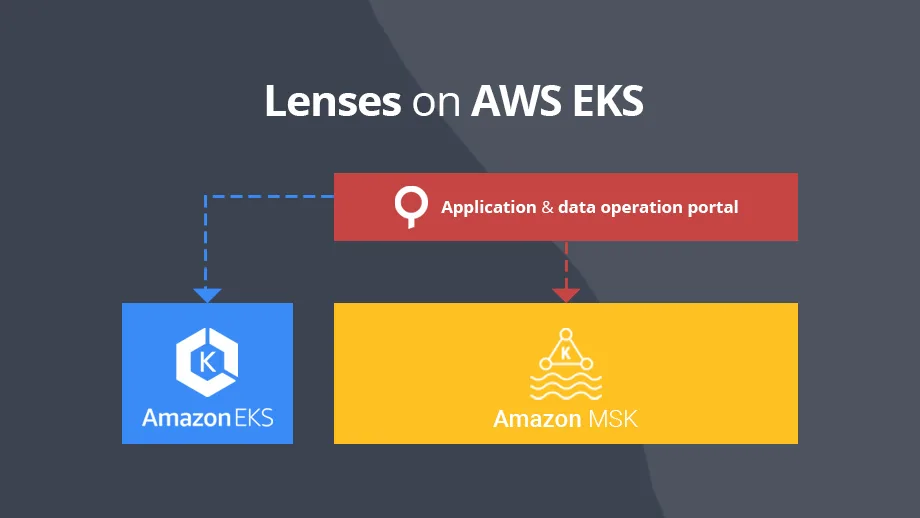
In this blog we will describe how to deploy Lenses on EKS on top of AWS Managed Streaming for Apache Kafka, a fully managed and highly available Apache Kafka service.
Requirements
The Cloudformation template that deploys Lenses in EKS will require that you have configured an EKS cluster, an MKS cluster and the appropriate roles that are required by Lambdas to describe MSK and manage EKS.
This guide expects that the following items have already been configured:
- EKS Cluster
- MSK Cluster
Create a Lambda Role for accessing EKS and MSK
We need a role which will allow AWS lambdas to:
- Describe MSK Cluster (Get broker endpoints, cluster’s arn, etc.)
- Authorize with EKS cluster for Managing Deployments
Go to AIM, then roles and select Create role.
Add the following policies:
```
AWS managed policy
  AmazonEKSClusterPolicy
  AmazonEKSServicePolicy
  AmazonEKSWorkerNodePolicy

Inline policy
  logs:CreateLogGroup
  logs:CreateLogStream
  logs:PutLogEvents
```
After creating the role, you need to map it explicitly into the EKS cluster auth configmap since only the creator of EKS cluster has access by default to the cluster. Any other user/role must be added in advance.
First, get the rolearn and then type in your terminal:
```
export VISUAL=vim
export EDITOR="${VISUAL}"

kubectl edit -n kube-system configmap/aws-auth
```
Append the following under the mapRoles key:
```
- rolearn: <RoleArn>
  username: aws
  groups:
    - system:masters
```
Replace <RoleArn> with the rolearn id of the role you just created above and then save and exit. Allow EKS and Worker Nodes to communicate with the brokers
While both EKS and Worker Nodes are sharing a common network, it is not enough for the clients deployed in EKS to communicate with the brokers. This is a security feature designed by AWS that requires adding the security group of a specific resource in the inbound tab of MSK’s Security Group in order for the resource to be able to communicate with the brokers.
Visit the MSK Cluster and select the security group under Networking section/Security Groups. Click on the inbound tab and select Edit, then select Add Rule, choose All Traffic as type, paste the security group id of the EKS Workers NodeGroup and click save.
That is all – you are done! Now EKS worker nodes and their resources should be able to communicate with the Kafka brokers.
Deploying Lenses
The final phase is to deploy Lenses, which should also be straightforward. Firstly, request a free license key.
After that, go to Cloudformation, import the EKS lenses.yaml template and click next. Give a name for the stack, and then provide the following parameters:
```
License (JSON)
EKS Cluster Name
MSK Cluster Name
S3 Bucket Name *1
S3 Bucket Prefix
Lambda Role *2
```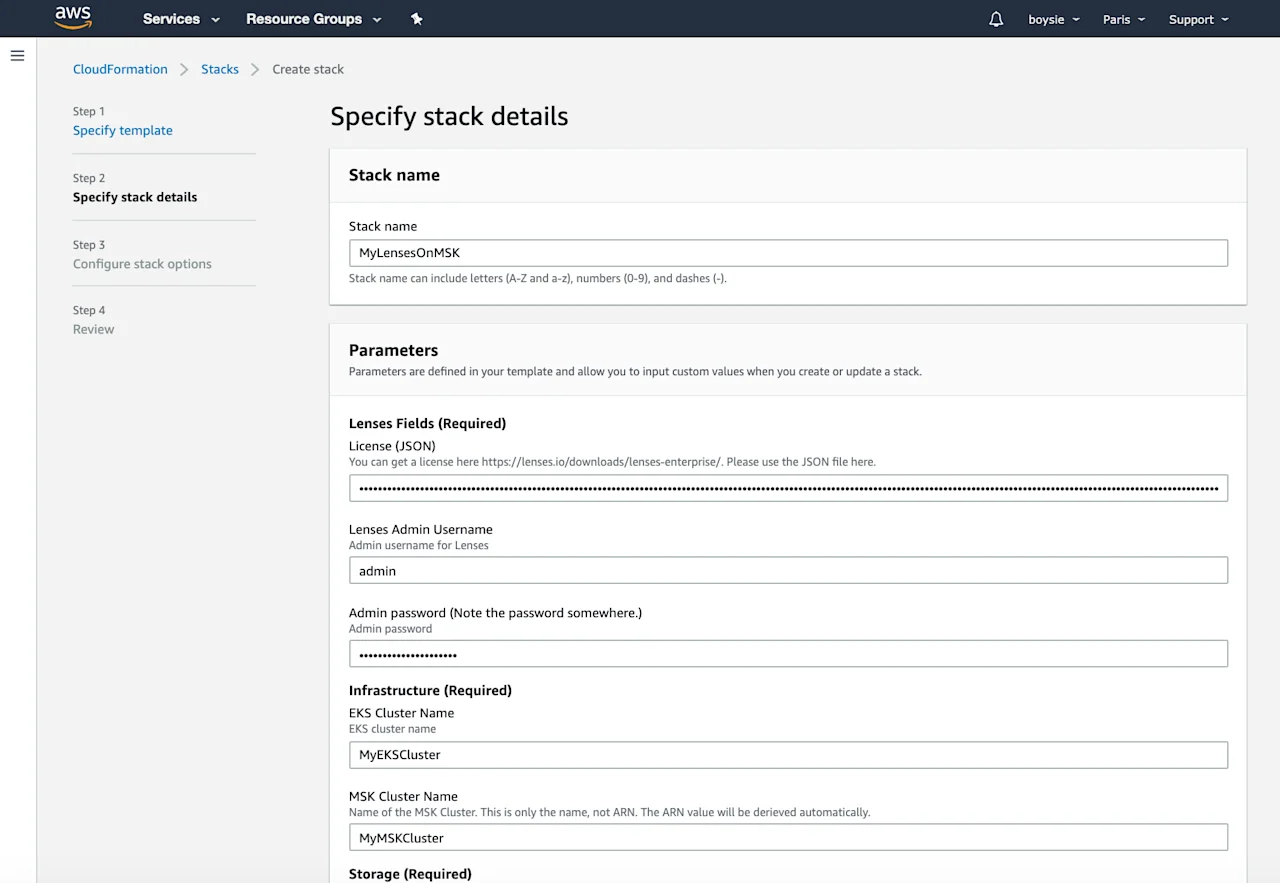
The S3 bucket name and S3 bucket prefix are the bucket and its prefix that will be used to copy the Lambdas from our public S3 bucket to your bucket.
The Lambda Role is the role you created and added into the EKS ConfigMap (See Create a Lambda Role for accessing EKS and MSK).
When you provide all the required parameters, click Create stack. Deploying the stack should take around 5 minutes to complete. When the deployment is finished, go to the output tab, copy the value of LambdaEKSConfigLensesEndpoint, open a new tab, paste the content and hit enter.
You should now be welcomed with the Lenses Login screen.
Learn more about Lenses for AWS MSK and request a free trial from here or see the AWS deployment documentation.