First in a 3-part series on self-service K2K replication. This post tackles how to give self-service access to deploy K2K without handing over the keys to your Kafka clusters.
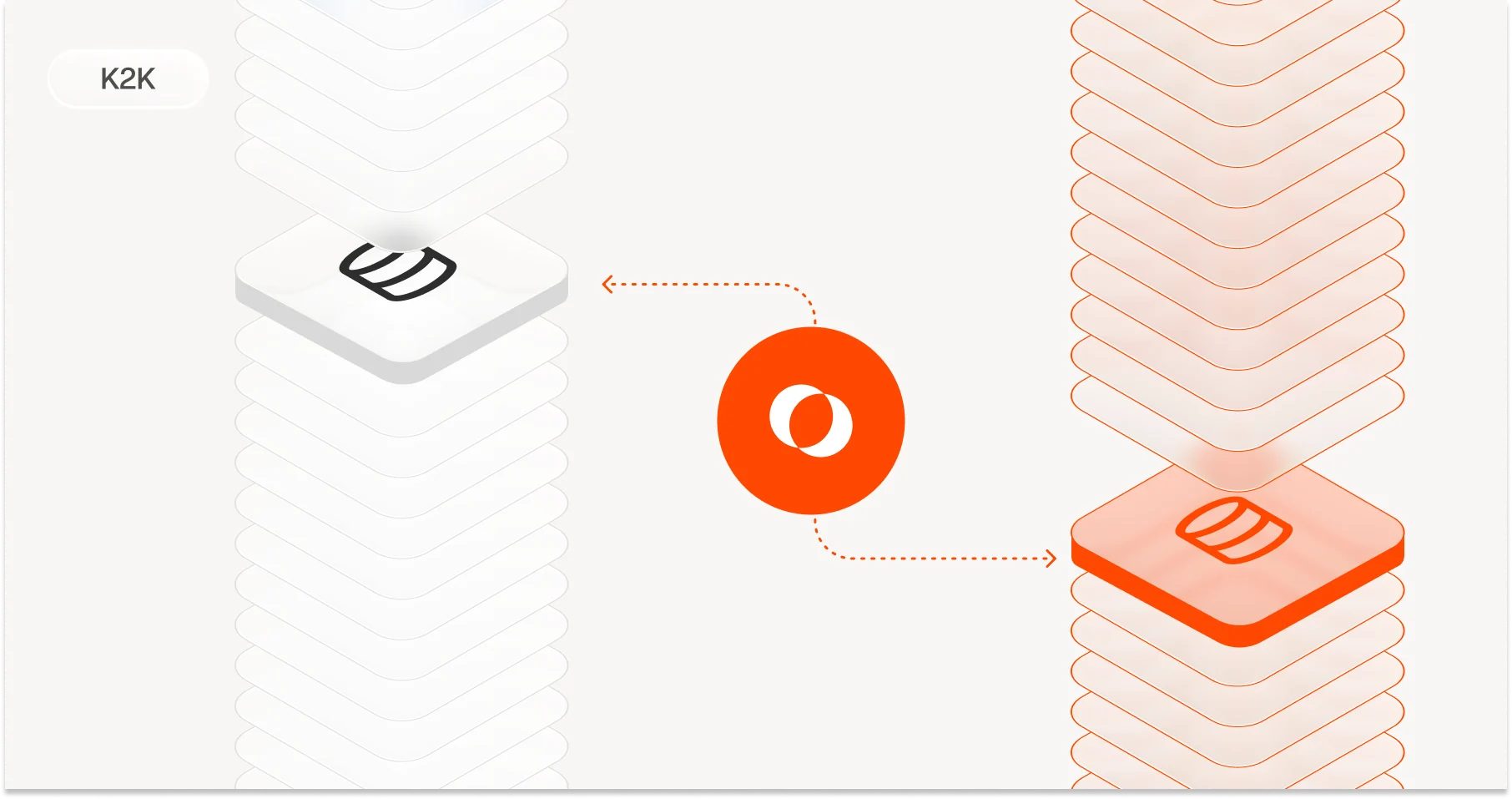
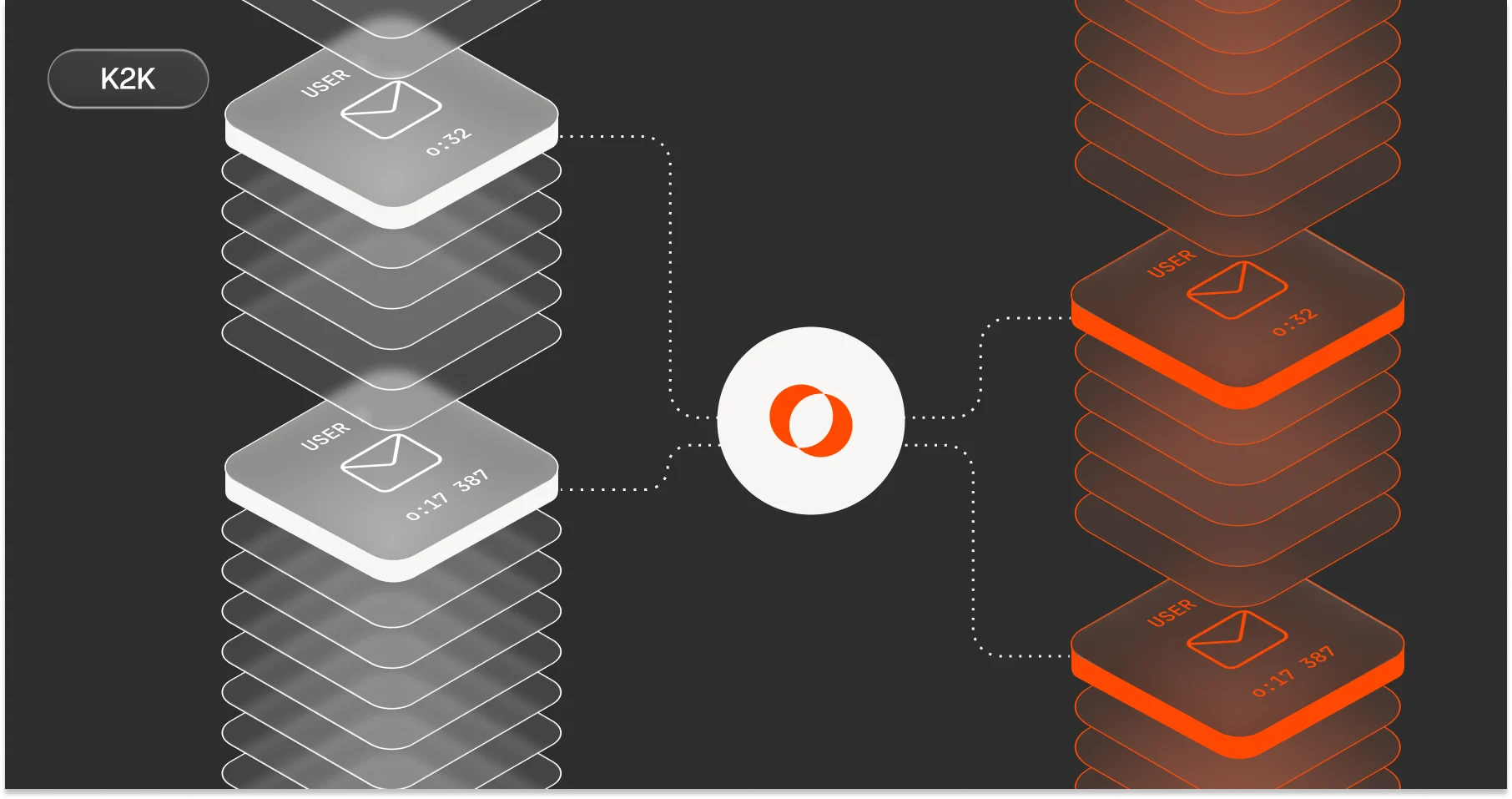
Lenses developed K2K (Kafka-to-Kafka) to solve two major problems:
- A more robust and Kubernetes-native Kafka data replicator than what's currently available in the market.
- Addressing the operational complexity of configuring and managing replication jobs
This includes making it as self-service as possible so developers can deploy without requiring a PhD in MirrorMaker2.
One key design requirement: don’t force engineers to manage credentials to authenticate with Kafka.
The challenge is that Lenses Agents, the service that connects to your Kafka environments, have privileged access to Kafka. That's by design. It's the all-seeing eye of your Kafka world, and it needs to be. The granular Lenses IAM model ensures users and AI Agents can only access Kafka assets that conform to your compliance.
But when you deploy any Kafka application, whether it's a replicator, connector, SQL processor, or custom microservice, it needs credentials to connect to the brokers. Traditionally, that means someone, somewhere, has to manage secrets.
And that's where things get messy. Developers end up:
- Copying SASL/SSL configs into YAML files
- Passing credentials through Helm values
- Sharing admin-level credentials across workloads
- Filing tickets to the platform team every time something needs deploying
That creates friction. And risk.
When you want to deploy K2K in integrated mode (through Lenses DevX, rather than standalone through your CI processes), you don't want your K2K pipeline running with the same credentials as the Lenses Agent.
Nor do you want the developer to have to manage credentials in the configuration. And you may want K2K to replicate from/to a few specific topics set within your ACLs.
That's where Kafka Connections come in, a new feature in Lenses 6.1 that gives Platform Engineers a way to define secure connections to Kafka that Lenses users (ie. Developers) can leverage to deploy applications, including K2K, without trading secrets.
And the Lenses IAM model further protects these Kafka Connections to govern which users can access which Kafka Connections.
What Are Kafka Connections?
Think of Kafka Connections as secondary, scoped access paths to your Kafka clusters. Like an external secret provider, they store Kafka client credentials in a controlled, audited abstraction, completely separate from the credentials the Lenses Agent uses. Each Connection gets only the access it needs.
Kafka Connections sit alongside that, providing dedicated, workload-scoped credentials specifically for applications like K2K.
Instead of inheriting the Lenses Agent's privileges, each workload can have:
- Its own credentials
- Its own Kafka ACL scope
- Its own quota
- Its own audit trail
If you want K2K to only replicate orders-*, you define that in Kafka ACLs tied to the credentials used by that Connection.
Granular. Isolated. Clean.
And critically, developers never see the secret itself.
How Secrets Are Managed (Without Making Developers Manage Them)
Kafka Connections don't store secrets inside Lenses. Instead, they reference credentials that already exist in Kubernetes.
There are two common patterns:
Cloud IAM (e.g., AWS MSK)
You create or extend an IAM role with exactly the Kafka permissions K2K needs.
Source cluster:
- Connect
- DescribeCluster
- DescribeTopic
- ReadData
Scoped to only the topics you want to replicate.
Destination cluster:
- WriteData
- CreateTopic
You can even scope consumer group permissions to a k2k-* prefix so K2K's groups are easily identifiable and tightly controlled.
Here's what a scoped IAM policy for the K2K source role might look like in practice:
{
  "Version": "2012-10-17",
  "Statement": [
    {
      "Sid": "K2KSourceClusterAccess",
      "Effect": "Allow",
      "Action": [
        "kafka-cluster:Connect",
        "kafka-cluster:DescribeCluster"
      ],
      "Resource": "arn:aws:kafka:us-east-1:123456789012:cluster/source-cluster/*"
    },
    {
      "Sid": "K2KSourceTopicAccess",
      "Effect": "Allow",
      "Action": [
        "kafka-cluster:DescribeTopic",
        "kafka-cluster:ReadData"
      ],
      "Resource": "arn:aws:kafka:us-east-1:123456789012:topic/source-cluster/*/orders-*"
    },
    {
      "Sid": "K2KConsumerGroupAccess",
      "Effect": "Allow",
      "Action": [
        "kafka-cluster:AlterGroup",
        "kafka-cluster:DescribeGroup"
      ],
      "Resource": "arn:aws:kafka:us-east-1:123456789012:group/source-cluster/*/k2k-*"
    }
  ]
}
The destination role follows the same pattern, swapping ReadData for WriteData (and optionally CreateTopic) scoped to the target cluster ARN.
Since K2K runs as a single deployment with one Service Account, and a Kubernetes Service Account can only carry a single IAM role annotation, both source and destination permissions need to be combined into one IAM role.
That role includes policy statements for source (read) and destination (write) access, each scoped to their respective cluster ARNs. This keeps access least-privilege even though it's a single role. The Kafka Connection in Lenses simply references that Service Account by name.
That IAM role gets attached to a Kubernetes Service Account via IRSA (or whatever pod identity mechanism your Kubernetes distribution uses). When K2K runs, it assumes that role automatically. Lenses simply references that Service Account via a Kafka Connections.
No passwords. No secrets in YAML.
SASL/SSL Authentication
If your clusters use SASL/SSL, you load credentials into Kubernetes as Secrets. Each cluster involved in replication gets its own secret.
- The K2K deployment
- The source cluster secrets
- The destination cluster secrets
K2K gets deployed into a single namespace (defined by the deployment environment) and looks for all connection secrets there. If your source cluster secrets are in one namespace and your target cluster secrets are in another, K2K simply won't find what it needs.
This is a required condition since Kubernetes has a limitation, or security feature depending on how you look at it, that individual secrets can only be scoped to the namespace level - never multiple namespaces or the whole cluster.
Kafka Connections reference those Kubernetes Secrets. They don't contain them.
What About AWS Secrets Manager or Azure Key Vault?
Most enterprises don't manually create Kubernetes Secrets anymore. Instead, they store secrets in tools like AWS Secrets Manager, Azure Key Vault, or HashiCorp Vault. Kubernetes uses an External Secrets controller to sync those vault secrets into native Kubernetes Secrets.
From Lenses' perspective, nothing changes. Kafka Connections reference the Kubernetes Secret. Behind the scenes, that Secret might be backed by AWS or Azure, but developers don't need to know. They just use the connections that they see based on Lenses’ IAM.
The platform team controls secret storage centrally. Kubernetes syncs it securely. Lenses workloads consume it safely.
That separation is the point.
Lenses IAM: Who Gets to Do What
Kafka Connections plug into Lenses' own IAM permission system, which is separate from Kafka-level permissions.
By default, only Lenses admins with the following Lenses IAM permissions (under the environments service) can create and manage Connections:
- UpsertKafkaConnection
- DeleteKafkaConnection
- ListKafkaConnections
- GetKafkaConnectionDetails
You can scope these to specific environments too, so maybe your staging team can manage their own Kafka Connections but production stays locked down to platform engineers.
Here's what a platform engineer role that covers connection management for production looks like:
name: platform-engineer-prod-connections
policy:
  - effect: allow
    action:
      - environments:ListEnvironments
      - environments:GetEnvironmentDetails
      - environments:AccessEnvironment
      - environments:UpsertKafkaConnection
      - environments:DeleteKafkaConnection
      - environments:ListKafkaConnections
      - environments:GetKafkaConnectionDetails
    resource: environments:environment:production
The resource: environments:environment:production LRN is what keeps this scoped. This role can create and manage Kafka Connections in the production environment only. Staging and dev Kafka Connections are someone else's problem (or a separate, less restricted role).
On the K2K side, there's a separate set of permissions under the k2k service which controls what privileges a user has to deploy/manage a K2K app:
- CreateApp
- DeleteApp
- GetApp
- ListApps
- UpdateApp
- ManageOffsets
And here's what the corresponding application team role looks like, scoped to K2K operations only:
name: app-team-k2k-operator
policy:
  - effect: allow
    action:
      - environments:ListEnvironments
      - environments:GetEnvironmentDetails
      - environments:AccessEnvironment
      - environments:ListKafkaConnections
    resource: environments:environment:*
  - effect: allow
    action:
      - k2k:CreateApp
      - k2k:DeleteApp
      - k2k:GetApp
      - k2k:ListApps
      - k2k:UpdateApp
      - k2k:ManageOffsets
    resource: k2k:app:*
Notice that environments:ListKafkaConnections is included here but not GetKafkaConnectionDetails or UpsertKafkaConnection. The app team can see which Kafka Connections are available and use them to configure K2K, but they can't read the underlying credentials or create new connections. They get just enough visibility to do their job.
This creates a clean separation:
Platform team
defines secure access paths.
Application/Dev teams
deploy K2K workloads (or other apps) using them.
No ticket loops. No secret sharing. No over-privileged defaults.
This is a big deal for self-service. Once the Kafka Connections are configured and the Lenses IAM roles are in place, your application teams can select a source cluster, pick their topics, choose a destination, and start replicating.
Why This Matters
Mixing Lenses Agent credentials with application credentials is an anti-pattern. Your Lenses Agent needs broad access for observability. Your workloads need narrow access for specific tasks.
Blurring those concerns creates:
- Fragile configurations where tuning one workload accidentally impacts the other
- Hard-to-audit access
- Unnecessary blast radius
With Kafka Connections, you get:
- Clean credential isolation
- Topic-level scoped access for replication
- Quota isolation without affecting monitoring
- Clear workload identity and audit trail
- A foundation for workload-level governance
What's Coming Next
Kafka Connections aren't just for K2K. This is the foundation for how Lenses will handle credentials for all deployable workloads going forward.
Today: K2K replication. Next: SQL Processors. Kafka Connectors. Flink jobs. Other Kafka-adjacent ETL capabilities.
The principle stays the same: each workload gets its own scoped credentials, developers never handle secrets directly, and platform teams retain control.
That's how you scale secure self-service.
Ready to set it up? Check out our step-by-step tutorial: Configuring Lenses K2K for MSK-to-MSK Replication. It walks through IAM policies, Kubernetes setup, Kafka Connections configuration, and Lenses IAM permissions, with screenshots and example configs. Then our 3rd part in the series goes over how to use these connections to migrate from one Kafka cluster to another.
Drew Oetzel is a Developer Advocate at Lenses.io, where he builds training environments, demos, and content about Kafka data streaming. When he's not untangling Kubernetes namespace issues, he's probably on a post-meal walk somewhere in Paris.