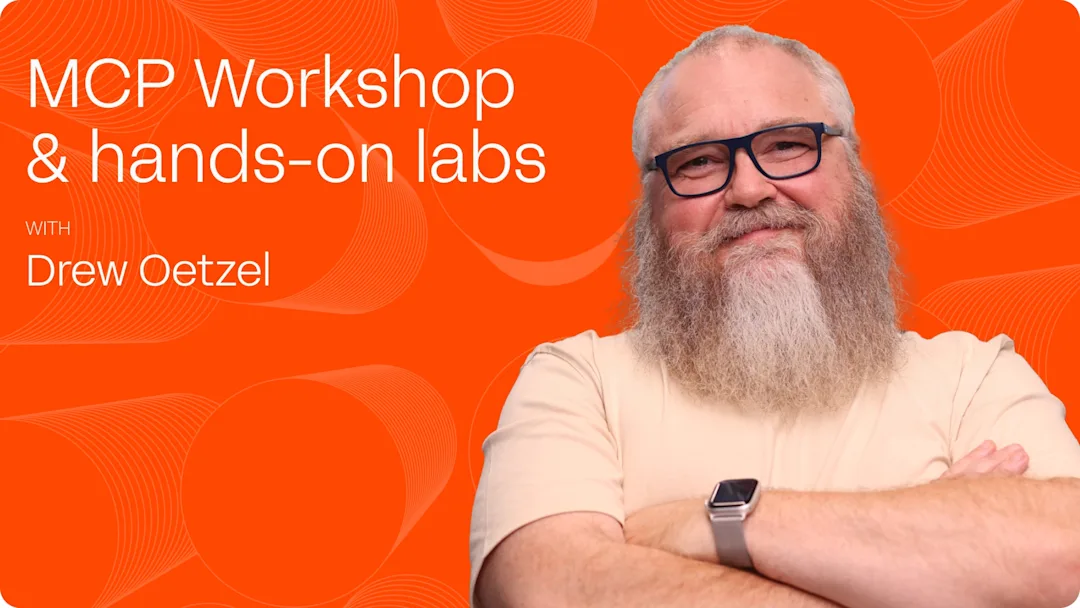
Using Lenses MCP Workshop
Course Duration: 2.5 hours
Course topic breakdown:
Understanding Lenses MCP Server
Configuring Lenses MCP Server with your LLM
Using Lenses MCP server to interact with Lenses and Kafka
Hands-on Labs
Lab requirements: A laptop with a web browser and a PAID ACCOUNT with Claude, ChatGTP, or Gemini. Other LLMs may work as well, though most seem to require a paid subscription to connect to an MCP server these days. If you don’t have a paid LLM subscription you can still attend the class, the instructor will demo the labs on Claude AI, you just won’t be able to do the hands- on labs.
Who should attend: Lenses Users interested in integrating LLMs into their workflows
If you want to join send us an email: sales@lenses.io