Designed for the modern streaming data engineer who wants to stay in the IDE.
Engineering is in the middle of an almighty shift.
Thanks to AI code-generation solutions, Engineers are being asked to take on a different and wider set of responsibilities in order to be more productive.
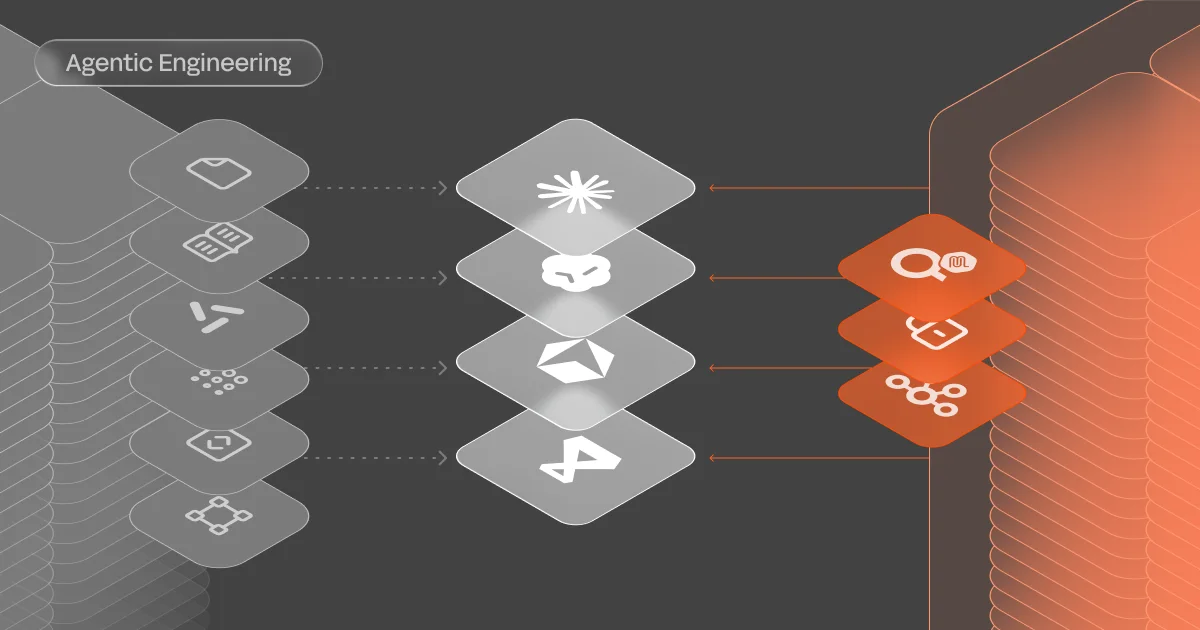
It’s what’s increasingly being coined as Agentic Engineering - using AI agents to accelerate engineering & operations work while maintaining human oversight, quality and rigour.
For streaming data engineers, that pressure is compounded - the tools they depend on are spread across a bigger surface than almost any other discipline.
Between the IDE, AI Copilot, the CLI, the web UI, the cloud console, the monitoring dashboard, the schema registry, and the Slack thread asking 'which environment has the v3 schema?' - each has its own login, its own mental model, and each one pulls you out of the context you just built up.
The fix is not another standalone tool. It is consolidation. Bringing the streaming data workflow to where engineers already spend their day: the IDE.
This matters more than ever now that AI can produce the code - the IDE should also be where you verify, inspect, and operate on the data that code touches.
That's why we're proud to release Lenses VS Code extension.
Why streaming engineers feel it more
Every engineering discipline involves some degree of tool switching. Streaming data engineering is uniquely fragmented because the feedback loop itself is long.
With a REST API, you change a handler, hit the endpoint, see the response. The loop is tight.
With a streaming application, the loop is wider: modify the consumer logic, deploy it, produce a test message in a CLI, watch for consumer pickup in a monitoring tool, inspect the output topic for the message somewhere else, check the dead-letter queue in yet another place. A change that takes thirty seconds to code can take ten minutes to verify.
The consequence is predictable: when verification is slow, engineers verify less often. Bugs survive longer, confidence decreases, and teams develop a habit of deploying with fingers crossed rather than deploying with evidence.
Lenses provides a powerful experience for developing and operating streams, but even excellent tooling in a separate window is still a context switch.
That gap is a consequence of the web UI and the IDE being separate surfaces.
The IDE as the convergence point
IDE, like VS Code, Cursor, Anti Gravity, IBM Bob or any other is where streaming data engineers already spend most of their working hours. It is where they configure connectors, write Kafka consumers, producers, and stream processors.
It is where they manage version control, run tests, and read logs.
That makes it the natural place to collapse the rest of the streaming workflow into - not as a nice-to-have, but as a productivity imperative. Every operation that can move into the IDE is one less context switch, one less re-authentication, one less moment of 'where was I?'
This is why we built the Lenses VS Code extension. Not a thin wrapper around an API, but a purpose-built streaming data workflow tool that uses the IDE's native capabilities to bring the full streaming data lifecycle into one place. And of course it’s based on Lenses’ enterprise-grade multi-Kafka and vendor governance model.
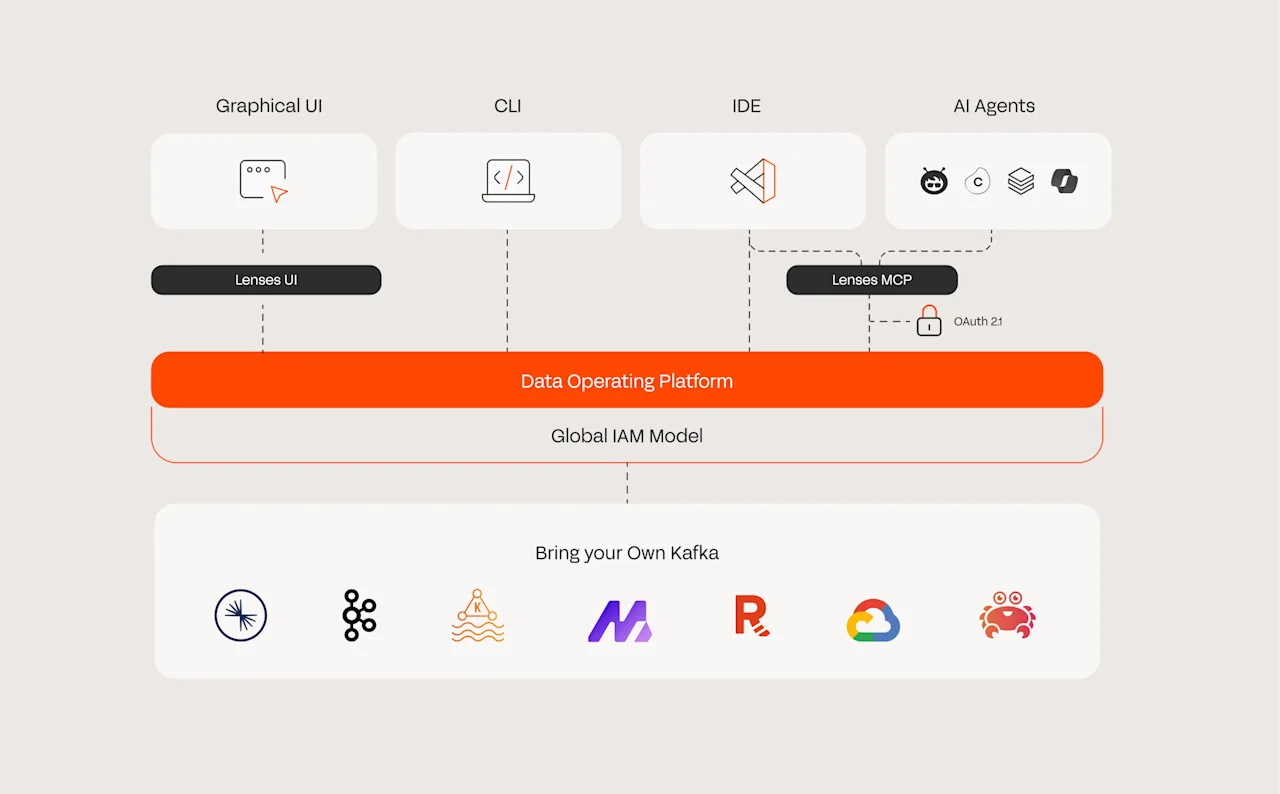
Example workflows simplified
SQL topic exploration
Lenses already provides powerful SQL exploration in its web UI and CLI - it's our most popular feature. With the extension, SQL snapshot queries open directly in VS Code's native editor, with the syntax highlighting, keybindings, and editor features you already know.
Hit the play button and results stream into a dedicated panel at the bottom of the workspace, right alongside Problems, Output, and Debug Console.
Both Lenses SQL Snapshot (a point-in-time query) and Live Data (continuous tailing) work inline. The query and the code that consumes the data sit side by side. You iterate on both in the same session, correlating what the data looks like with how your application processes it - no tab switch, no re-authentication, no mental gear change.
Topic management
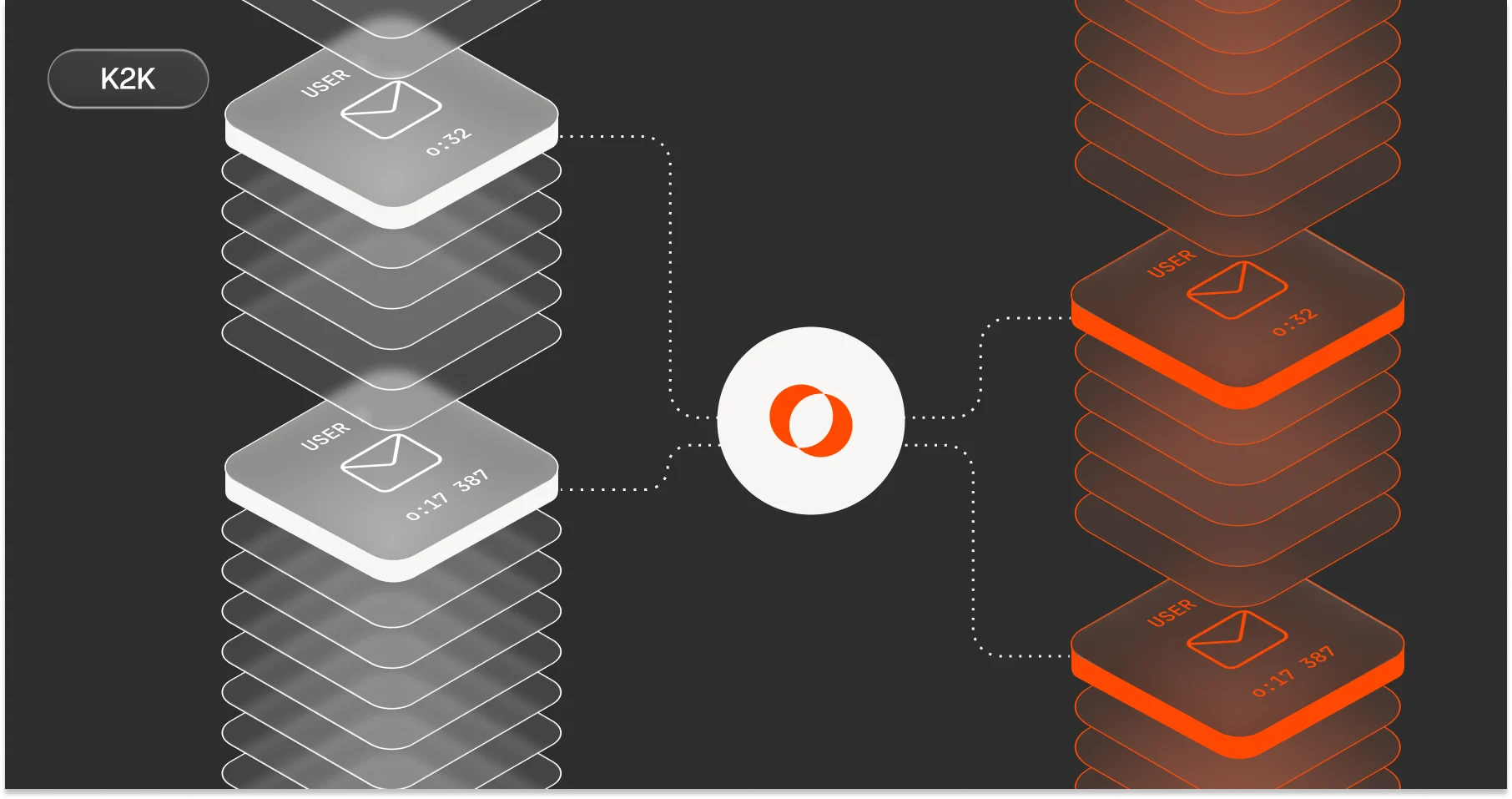
Creating a topic, configuring it, writing a producer, inserting test messages, and verifying they arrived is a natural development loop. Lenses handles all of this in its web UI, but when you are mid-flow in your IDE, keeping that loop within VS Code removes unnecessary round trips.
Create a topic with schema validation and autocompletion for every Kafka configuration property - partitions, replication factor, retention, cleanup policy, and everything else Kafka supports. Insert messages directly: the extension fetches the topic's schema (AVRO, JSON Schema, or plain JSON), generates a valid sample message as a starting point, and validates input in real-time before submission. The new topic appears in the tree view immediately through an optimistic update - you see it before Kafka has finished indexing it.
The entire create-produce-verify loop happens in one window, in one flow state.
This entire workflow is delivered as an 'as-code' experience. By treating topic configurations and queries as version-controlled assets within your IDE, the extension aligns the streaming data lifecycle with modern GitOps practices.
Cross-environment comparison
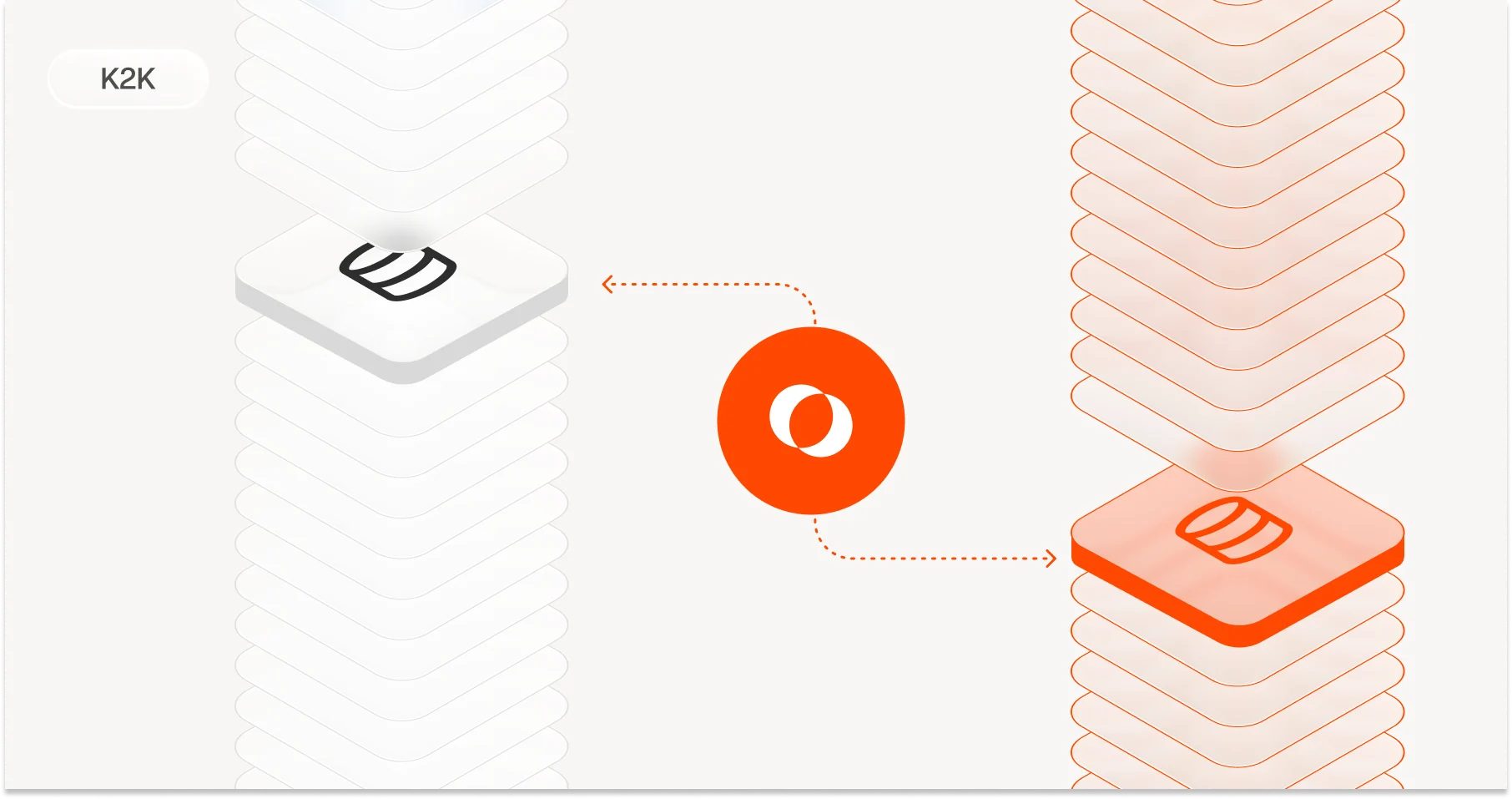
Before a promotion, you often need a quick sanity check between environments. The extension puts this two clicks away: right-click a topic and select Compare Across Environments. Both configurations open in VS Code's native diff editor - the same side-by-side comparison tool you use for code reviews every day. Differences are highlighted immediately. This works for topics, schemas, connectors, and roles.
Identifying drift before a promotion goes from a manual ritual to a seconds-long operation. And because every developer already knows how to read a diff, there is zero learning curve.
Copilot integration: natural language interaction
With humans still in the loop, the chat panel and markdown (effectively almost being back to the command line) are not always the best way to communicate and visualise information.
That's why the Lenses extension's Language Model Tools don't just answer in chat. They trigger real IDE actions. Ask to 'show the last 50 messages from orders' and instead of a markdown table, you get the same rich data grid used in the Lenses web UI, rendered in a native panel.
The AI understands the intent; the extension delivers the experience - with the same components, the same interaction patterns, and the same visual language as the Lenses platform.
As AI assistants become a standard part of the engineering workflow, having Kafka operations available as structured tools - not just chat suggestions, but actions with confirmation dialogs and real results - means the IDE becomes an even more capable single surface for streaming work.
To play this video, accept functional cookies in your privacy settings.
Vimeo video
The compounding effect
Each of these capabilities is useful on its own. Their value compounds when they work together in a unified environment.
When the loop between 'write code' and 'observe streaming data' shrinks from minutes to seconds, you verify more often, spot drift earlier, and onboard faster because the cognitive tax of switching between tools disappears.
This is not just about speed. It is about continuity - doing things in flow, without the friction that compounds across every development cycle, every debugging session, and every deployment verification.
Designed for the modern engineer
The web application remains the most complete way to work with Lenses.
But the VS Code extension brings the capabilities that matter most during active development - SQL queries, topic management, configuration comparison, and Copilot-driven workflows - into the place where streaming engineers already write their code. Same API, same permissions, same governance. Two surfaces, one platform.
The extension is available on the VS Code Marketplace.
Connect to your Lenses instance, and bring your streaming data workflow into VS Code.