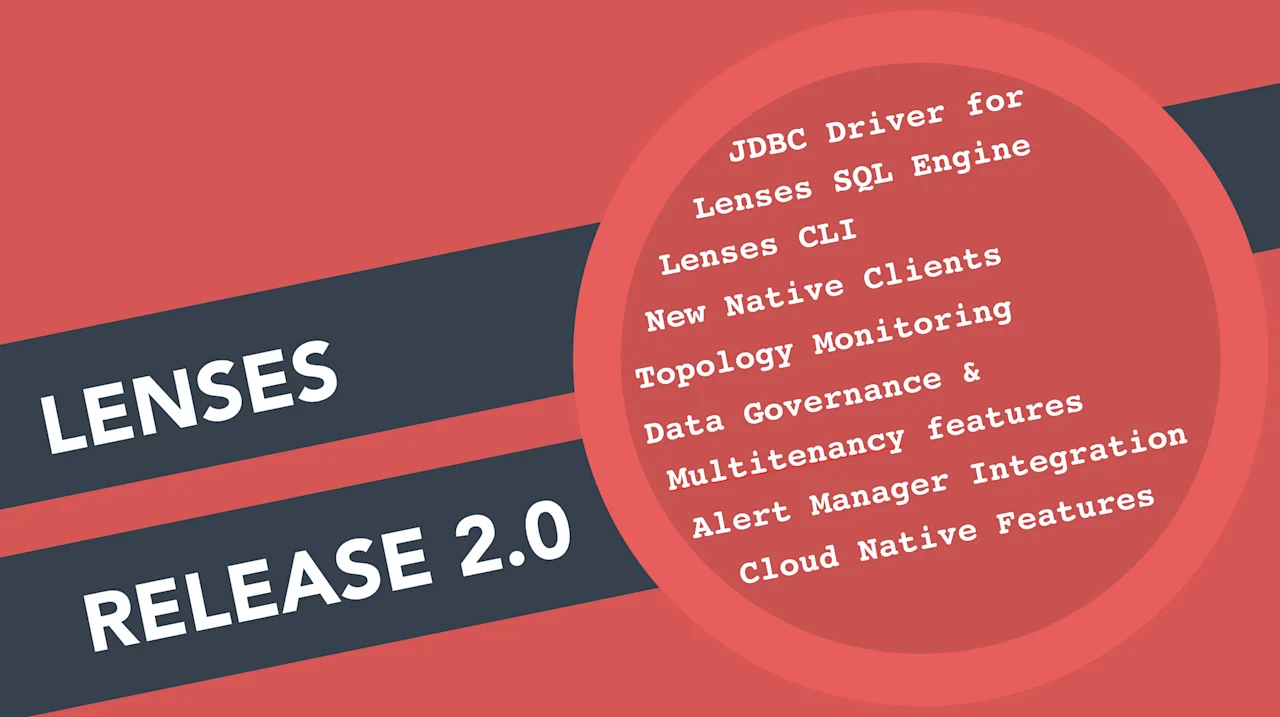
Today, we are very pleased to announce the release of Lenses v.2.0.
Lenses is the streaming management platform for Apache Kafka. This
release focuses on improvements based on the feedback we’ve
received and introduces a ton of exciting new features.
Here’s a quick overview:
- Lenses SQL Engine supports JDBC and introduces a Kafka JDBC driver
- Lenses platform now ships with Lenses CLI
- New Clients for Python & Go
- Notification Gateway and native integration with Alert Manager
- New Features for Data Governance and Multi-tenancy management
- Enhanced Topology with Metrics for Processors, Connectors & Topics
- Cloud Native capabilities
The release notes are available here.
Let’s explore them bit by bit:
Lenses JDBC for Apache Kafka
Lenses 2.0 offers a JDBC 4.0 compliant driver, suitable for any application
that uses the JDBC interface, to communicate with Apache Kafka.
```
Connection conn = DriverManager.getConnection(
     "jdbc:lsql:kafka:http://localhost:3030",
     "username",
     "pasword");

Statement stmt = conn.createStatement();

ResultSet rs = stmt.executeQuery("SELECT * FROM mytopic WHERE _ktype='STRING' AND _vtype='AVRO'");

while (rs.next()) {
    System.out.println(rs.getString("name"));
    System.out.println(rs.getInt("age"));
    System.out.println(rs.getString("location"));}
```
Apart from SELECT statements users of the library can INSERT data into
topics, use Prepared statements and batched inserts and also fetch metadata
around topics and messages.
The JDBC driver opens new use-cases, as you can now interact with Kafka
like you would do with a traditional database, or pull or push data from
other third-party tools like Apache Spark.
You can download the JDBC driver from here (docs, source)
Lenses-cli
Lenses now ships with a Lenses CLI (Command Line Interface) that allows
you to streamline your ops, simplify many actions and integrate
with the CI/CD processes but at the same time keep aligned with the
security and governance Lenses provides.
All the capabilities to interact with your data, in live stream
or batch mode, administrative features to interact with various
components, for example register a stream processor and manage its lifecycle,
create and configure topics, quotas or ACLs, spin up connectors and so on.
All those actions in Lenses that are audited and stored to ensure your
data governance are also now exposed via CLI.
By using this CLI you can perform all the major CRUD actions, similarly
to the Lenses web interface, execute SQL queries and automate several tasks.
Download now and explore with:
$ lenses-cli
You can download the cli driver here (docs, source)
Lenses Clients
Beyond the lenses-redux client to interact with SQL queries
straight from your browser app, Lenses is now introducing the
lenses-python and lenses-go libraries for native apps.
The Go library was used to build and deliver the CLI.
The Python library that you can explore more here (docs
and source code) is widely used
in the space of data science for its rich ecosystem around machine
learning. Via Lenses you can now integrate and get data directly
to pandas, Jupyter notebooks, plotly etc. Stay tuned for additional
blogs and articles over the next few weeks.
Lenses Platform
Lenses is more scalable, provides additional Data Governance capabilities,
supports better multitenancy, allows managing Quotas and setting custom
alerts and at the same time is more Kubernetes and Cloud ready.
Read below additional details:
Data Governance
With the new regulations around data privacy and companies handling private
data making efforts to minimize their risks, Lenses treats Data Governance
as a first-class citizen for your data in motion. Apart from:
security, role based access, authentication (LDAP), authorization
and auditing features that come out of the box with Lenses
platform, features over data security are now also available.
If you are leveraging Apache Avro as a data container, you can now annotate
any sensitive field of your Schemas with:
“obfuscate”:“true”
Once a field is marked, Lenses will obfuscate the contents
and make them invisible to any user accessing via any Lenses channel (web,
cli, endpoints, clients etc). Here is an example:
```
 {
   "type" : "record",
   "name" : "Customer",
   "namespace" : "com.acme.streaming",
   "fields" : [
     {
       "name" : "ssn",
       "type" : "int"
       "obfuscate": "true"
     }, {
       "name" : "posId",
       "type" : "string",
     }
   ]
 }
```
In addition to the above, Lenses introduces the ANONYMIZE
both browsing and processing data, making it a useful tool to allow
data to be shared, whilst preserving privacy:
```
SELECT anonymize(user) AS anonymous_user,
       anonymize(card_number) AS cc
FROM transaction_data
WHERE _ktype=AVRO
AND _vtype=AVRO
```
Similarly to user actions, all SQL queries can (optionally) be tracked to
ensure the detection of unauthorized access if needed.
Multi-tenancy
A multi-tenant Apache Kafka cluster always brings challenges for operations.
With Lenses you can now manage such aspects via
the web UI or the CLI such as ACLs. In this newest version you will also find
Quotas management but also as an admin you can set-up fine grained level
(read/write) access via applying blacklist and whitelist to users
to better control access to topic data.
Topology
Topology is one of the main features in Lenses that visualizes the Apache
Kafka based data flows with interactive nodes. It includes the elements
that are used in the currently supported flows like source and sink connectors
and Lenses SQL processors as well as the involved topics. This view is now enhanced
with the state of each node and the relevant metrics to easily
identify how the node performs or if any inconsistency occurs.
Both Connectors and Processor views have been enhanced with metrics even
in their granular level ie. at a task level. With a single look you can
now identify any failures or performance issues.
Monitoring & Alerting
The alerting mechanism has been re-designed, to be more meaningful in detecting
any unexpected behavior or anomaly and allow you to set up custom Kafka domain
specific alerts. You can now control cluster infrastructure alerts and set
custom alert rules around consumer lags.
The integration with Alert Manager fully decouples the alert generation and
the notification routing. This allows notifications to be pushed into
different channels with full support for email, sms, pager duty, slack and many
other channels.
Data Browsing
Data browsing has been enhanced with new capabilities to make it easier
to execute long running queries and perform thorough look ups. Every query
can now be bounded by max bytes / max time or max records. Queries can also
be short-circuited if numerous consecutive polls do not fetch any data, for
better resource utilization.
All the default values can be overridden, but you can also manage and even
stop/cancel any live queries. This functionality
Here is an example of the syntax:
```
[ SET max.bytes = 1000000;]
[ SET max.time = 5000;]
[ SET max.zero.polls = 5;]
[ SET {any.kafka.consumer.setting}= value;]
SELECT select_expr [, select_expr …]
FROM Topic_Reference
WHERE _ktype = KEY_TYPE
AND _vtype = VALUE_TYPE
[AND FILTERS]
[LIMIT N]
```
Of course you may run the Lenses SQL via the web UI, the CLI and Lenses Clients.
Cloud native capabilities
Lenses brings Cloud Service discovery capabilities for widely used cloud
providers, such as Amazon AWS, Google Cloud, Microsoft Azure, DigitalOcean,
OpenStack, Aliyun Cloud, Scaleway and SoftLayer.
Kubernetes
New Lenses Helm Chart.
The Lenses chart now supports services, ingress and RBAC in Kubernetes
with improved configurations.
Lenses Box!
Lenses Box is the free version of Lenses for developers. It is a
single docker image, built for all Kafka developers. If you haven’t
tried it yet, just go ahead at https://docs.lenses.io/dev
Release notes
To review the full release notes check