AWS MSK has become popular because it deploys Kafka easily and bills alongside other AWS services.
Over the past few years, AWS announced Express Brokers, a new cluster type that offers unlimited storage and separates brokers from storage resources. This simplifies scaling and reduces the time needed to rebalance topics when adding or removing brokers.
MSK Express Broker migration is complex
But existing MSK users can’t easily take advantage of Express Brokers. Data must be migrated to the new cluster type, and migrating Kafka data can be a whole project itself. It requires expertise, comes with high costs, and is usually done through an ugly developer experience.
Express Brokers are just one of many AWS MSK migration challenges companies face:
- Moving from self-managed Kafka to MSK
- Cross-AZ and AWS account replication
- Implementing hybrid cloud strategies (spanning MSK and on-premises)
Here's the TL;DR for the full solutions for replicating data across clusters:
- MirrorMaker2 - “Free” but complex, feature-limited, and runs on Kafka Connect - which has its own problems
- Confluent's solutions for existing customers - ClusterLinking (expensive and inflexible) and Replicator (basically MirrorMaker2 with a Confluent badge).
AWS MSK Replicator and its limitations
Like Confluent, AWS has taken MirrorMaker2 and created MSK Replicator. But it inherits all of MirrorMaker2’s problems, plus more limitations:
- Only supports same-account replication
- No cross-cloud support (can’t replicate between MSK and Google Pub/Sub, Azure Event Hubs, or on-prem Kafka)
- No schema replication
- Topology changes, IAM policy migrations, and topic naming conflicts create operational headaches.
Since it’s a managed service, some configurations are more restricted than vanilla MirrorMaker2.
It also comes with costs – (both per-GB charges and network ingress/egress fees).
Introducing Lenses K2K
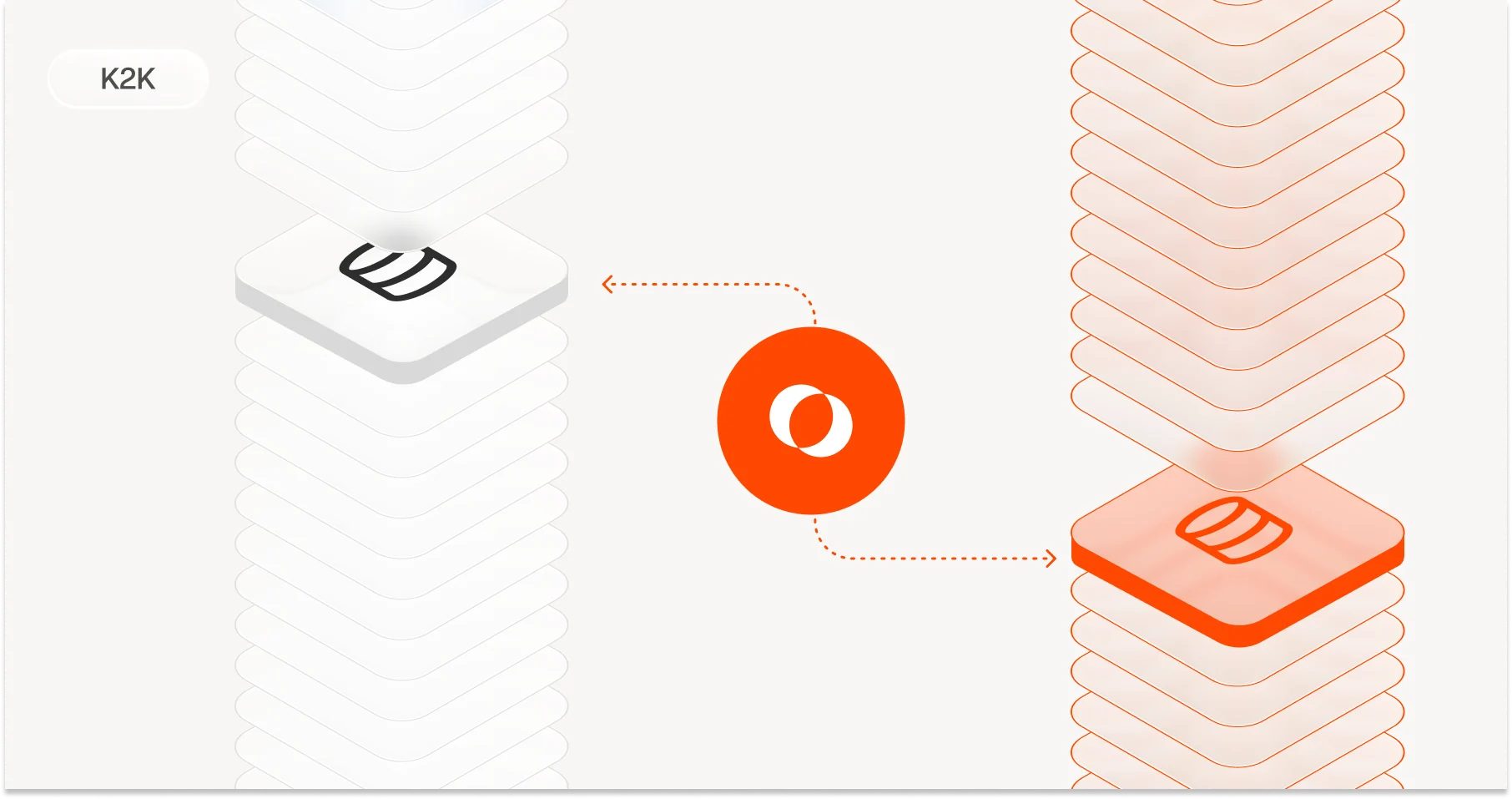
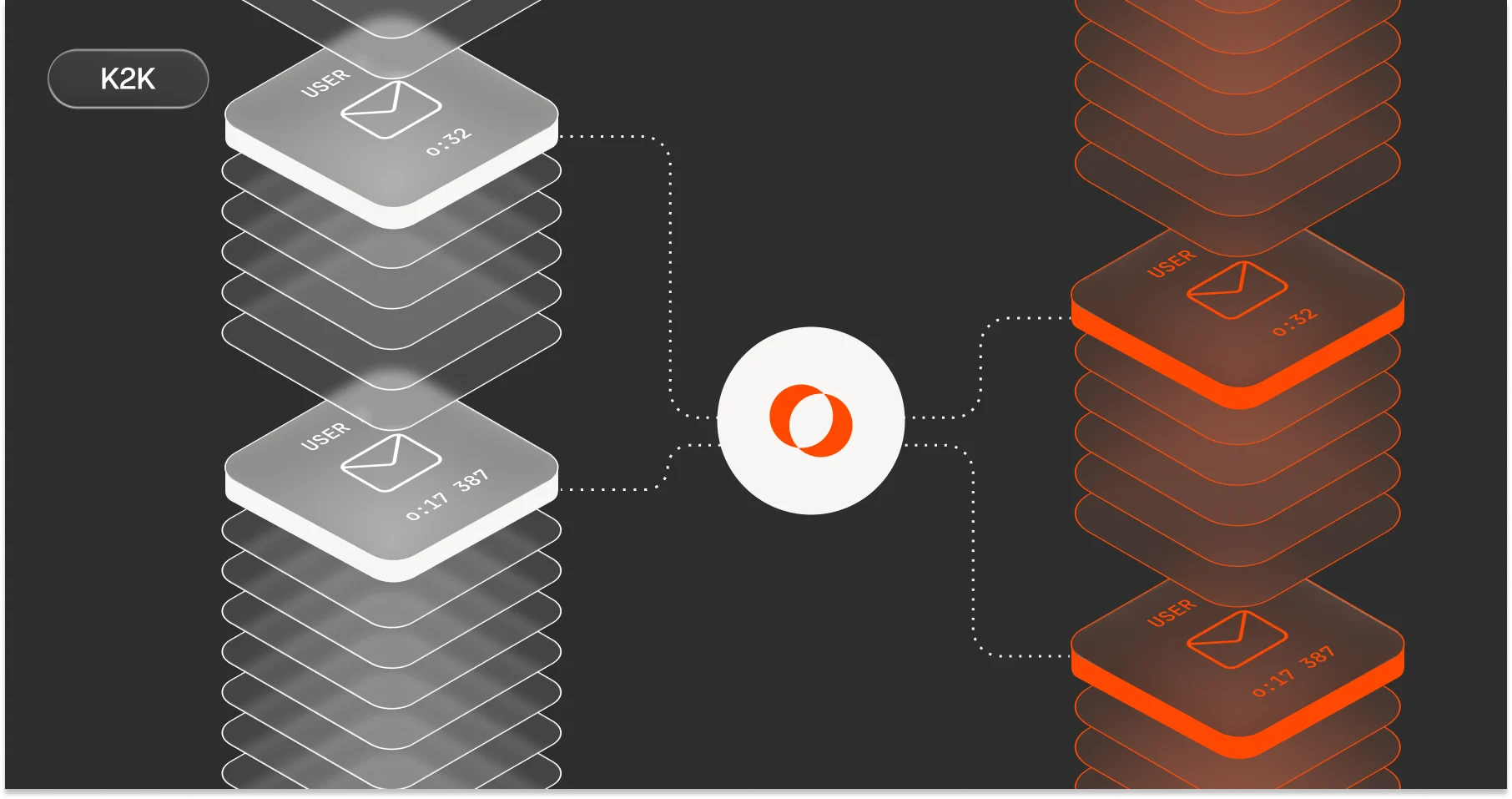
The poor options in the Kafka replication market motivated us at Lenses to create K2K – an enterprise-grade, vendor-agnostic, Kubernetes-native universal Kafka data replicator.
K2K supports multiple use cases: migration, data sharing, data subsetting, and disaster recovery. New features like data routing, offset replication and data obfuscation are coming in the next few months.
Two deployment modes
- Standalone - Deploy as a container manually
- Integrated - Deploy via new Lenses 6 onto your Kubernetes cluster
Standalone is available for free.
The integrated mode includes developer self-service deployment protected by Lenses RBAC, plus monitoring, alerting, and governance. Lenses Multi-Kafka capability lets you view source and target clusters from a single unified experience.
To play this video, accept functional cookies in your privacy settings.
Vimeo video
MSK Express migration tutorial
Let’s get hands-on. In this guide, I'll walk you through deploying K2K to migrate data from a traditional MSK cluster to an MSK Express Broker cluster.
Setup overview
- Deployment mode: Standalone
- Runtime: K2K on EC2 host running Docker
- Source cluster: Traditional MSK cluster
- Target cluster: MSK Express Broker cluster
- Cross-account: Different AWS Accounts for source and target
- Authentication: AWS IAM for both clusters
- Schema registry: none (for simplicity, although K2Kacross different vendors, unlike MSK Replicator).
To play this video, accept functional cookies in your privacy settings.
YouTube video

Note: To deploy onto Kubernetes, see the Helm chart.
Configuration structure
The replicator uses yaml configurations for a pipeline definition. My examples uses k2k.yaml with three key components:
Source
The consumer that connects to the source cluster and consumes from topic(s)
Target
The producer that connects to the source cluster and produces to topic(s)
Coordinator
Connects to the target cluster. Coordinates K2K runners (ensures that each source partition is assigned to a unique runner). Creates __k2k-assignment and __k2k_consumer-offsets topics on the target by default.

Pipeline YAML configuration
name: "orders_topic_replicated_pipeline"
features:
  autoCreateControlTopics: disabled
  autoCreateTopics: disabled
license:
  token: xxxxx-xxxxx-xxxx-xxxx-xxxxxx
  acceptEula: true
source:
  kafka:
    common:
      "bootstrap.servers": "boot-0tm6ik1m.c1.kafka-serverless.eu-west-3.amazonaws.com:9098"
      "security.protocol": "SASL_SSL"
      "sasl.mechanism": "AWS_MSK_IAM"
      "sasl.jaas.config": "software.amazon.msk.auth.iam.IAMLoginModule required;"
      "sasl.client.callback.handler.class": "software.amazon.msk.auth.iam.IAMClientCallbackHandler"
    consumer:
      "group.id": "demo-k2k-coordination"
      "client.id": "test-coordination"
target:
  kafka:
    common:
      "bootstrap.servers": "boot-usq.democluster1.xvirbp.c2.kafka.eu-west-3.amazonaws.com:9098,boot-a1a.democluster1.xvirbp.c2.kafka.eu-west-3.amazonaws.com:9098,boot-7m9.democluster1.xvirbp.c2.kafka.eu-west-3.amazonaws.com:9098"
      "security.protocol": "SASL_SSL"
      "sasl.mechanism": "AWS_MSK_IAM"
      "sasl.jaas.config": "software.amazon.msk.auth.iam.IAMLoginModule required;"
      "sasl.client.callback.handler.class": "software.amazon.msk.auth.iam.IAMClientCallbackHandler"
coordination:
  commit:
    topic: "__k2k_consumer-offsets"          #optional
    syncTimeout: "10 seconds"                #optional
    batchSize: 100                           #optional
    batchTimeout: "5 seconds"                #optional
replication:
  - source:
      name: source                             #required
      topic:                                   #required
        - "orders"
  - sink:
      name: sink                               #required
      partition: source                        #required
      topic:
        suffix: ".copy"
topicCreation:
  replication:
    common:
      config:
        "file.delete.delay.ms": null
Important configuration notes
- Replicates orders topic from source MSK cluster to orders.copy on the MSK Express Broker Target cluster
- Auto topic creation disabled for both target topics and coordination topics (prevents MSK topic creation errors)
License token required during beta – email k2k@lenses.io for automatic access.
Deployment
Deploy on EC2 with Docker:
docker run --rm -it \
  -v "$(pwd):/pipelines" \
  -e K2K_PIPELINE_FOLDER="/pipelines" \
  -e OTEL_SERVICE_NAME="k2k" \
  -e OTEL_METRICS_EXPORTER=console \
  -e OTEL_TRACES_EXPORTER=none \
  -e AWS_REGION=eu-west-3 \
  --name k2k \
  lensesio/k2k:latest \
  k2k start -f /pipelines/k2k.yml -t
Voila.
K2K handles the complexity of Express Broker migrations, cross-account replication, schema replication, and consumer offset management that traditional tools struggle with.
Start with our free standalone deployment or download the Lenses Community Edition for the integrated DevX version.
Happy replicating!